Showing posts with label CEO. Show all posts

Sunday, September 21, 2014

Tesla Gigafactory Announcement - Elon Musk invited by Brian Sandoval in Carson City, Nevada

For those who missed it, Elon Musk was invited at the Neveda's State Capitol in Carson City for the first Tesla GigaFactory announcement earlier this month

The state will provide a 1.3 billion dollars (!) incentive, in tax break, and Tesla will build a Net Zero factory capable of producing more Lithium ion cells than the world is producing right now ...


Outside the State Capitol in Carson City, Governor Brian Sandoval and Tesla CEO Elon Musk announce that the Tesla battery Gigafactory will be built in Nevada.

Sunday, June 8, 2014

Tesla Motors 2014 Annual Shareholders Meeting

Tesla Shareholders' meeting took place few days, June 3, 2014 at 11:00 AM PST

Elon Musk talked about Model S safety, right hand drive Model S first deliveries to the UK, GigaFactory plans in 3 States, Patents, Model X design changes, the drop of Model E - just the name, not the concept -, and answers Questions towards the end

Also, a 12 year old investor asked for a tour of the Fremont Factory and will visit it soon :-)


Sunday, February 23, 2014

Elon Musk on Tesla-Apple Meeting, Battery Giga Factory & the Model X being delayed


Betty Liu reports that Tesla Motors CEO Elon Musk met early last year with Apple's head of mergers and acquisitions on Bloomberg Television's "In The Loop."


Though Tesla Motors CEO Elon Musk didn't discuss the Tesla battery giga factory or the Tesla-Apple meet-up during the earnings call, he did hold a phone interview with Bloomberg in which both topics (and way more) were discussed.

On the Apple meet-up, Musk stated: "We had conversations with Apple. I can't comment on whether those revolved around any kind of acquisition."


The description that goes along with the Bloomberg video is as follows:
"Elon Musk, chief executive officer of Tesla Motors Inc., talks about the company's plans for a "gigafactory" to supply batteries, Model X SUV, talks with Apple Inc. and fourth-quarter profit. Tesla reported net income that beat analysts' estimates and projected a 55 percent increase in vehicle deliveries. Musk speaks with Betty Liu on Bloomberg Television's "Bloomberg West."


Source: Inside EVs & Bloomberg

Thursday, September 5, 2013

New Wattson Special Edition - Set up with New Holmes2 Software

Last night I finally connected this New Special Edition Wattson to the New Holmes2 software from Energeno; Last time I posted something about Wattson, Mark Elliott reminded me of this recent update, and since I do not use it anymore, I downloaded it from their website

It has been completely revamped and looks a lot like the Wattson Anywhere Portal I beta tested since last year

I used my netbook for that, the Mac being used by someone else at home


First things first: Connect the Wattson unit to the PC with a USB cable


Here is the front page of the new Holmes2


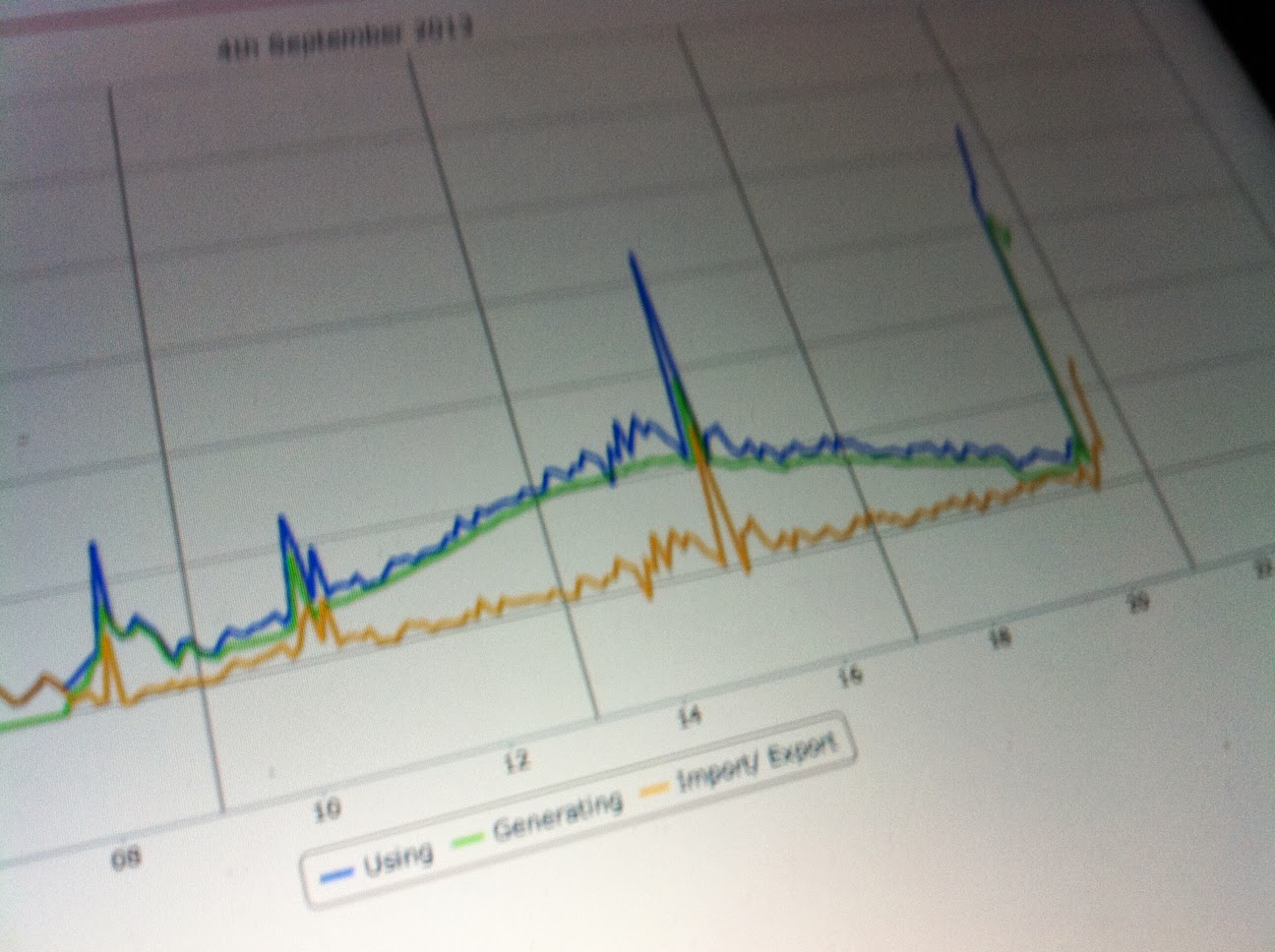
At the bottom left, the 3 interesting values, updated in real time - I like that - : Usage, Generation, Net Usage  - measured, measured, calculated -


When going to the Account tab, the Wattson unit is listed


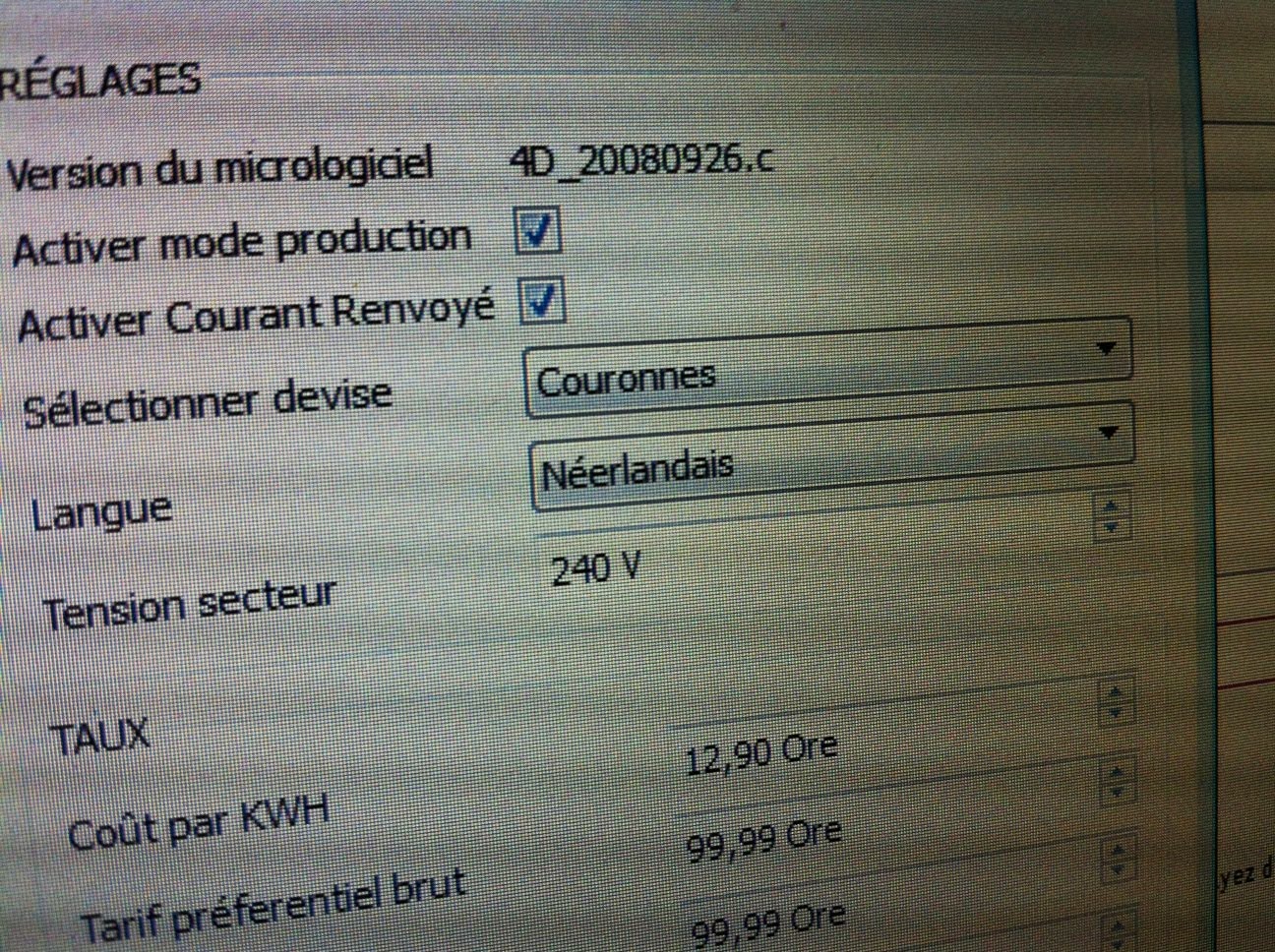
and clicking Wattson Settings, I get a popup to change all this - see below - and what I want to tchange here is the ability to log Generated Power - from my solar system and ESS that is - which is always unchecked by default


Done: it is checked for Generation / Production


Now the new things ... : A lot more languages and currencies are now available, and it looks like Wattson is going to be more international than before :-)
I can choose USD, Yen,  Pesos, etc

Also the Mains Voltage can be changed here (!) , and for me it is by default 240V (UK original setting)
I tried to set the US Voltage of 110V 

and then Dollars

Finally applied the settings and the GENERATED POWER mode shows up when I tilt Wattson


Tilting again, NET USAGE shows up, all I wanted here


First time I see USD currency on a Wattson :-), cool 


Orange LED lighting for Generation : This is an old version ...


I then unplugged it from the USB cable


and it dumped (oops)


Let's restart, BTW this is the new icon 


and the loading page I missed the first time, whith updated company name Energeno - instead of DiyKyoto -


Welcome message


My ESS is working well ... NET USAGE = - 2W


Another look at the 3 figures at the bottom left


Now trying Yen currency


Russian Roupy


Pesos


Danish Krone 


Then back to EUR, where I will leave it even if I do not use the Currency Display Mode


Cooking is in progress, and the ESS is doing its job


For now I leave it here on top of the ESS, with the others

Please Share this Post if you Liked it !

Please Share this Post if you Liked it ! Thanks !
Related Posts Plugin for WordPress, Blogger...