Showing posts with label software. Show all posts

Saturday, January 18, 2014

Tesla Motors’ Over-the-Air Repairs Are the Way Forward

Tesla Motors' Over-the-Air Repairs Are the Way Forward

Tesla and GM have both issued fire-related recalls, but Tesla's fix doesn't require owners to bring their cars in.

Tesla Motors is using over-the-air software updates to quickly fix the sort of problems that often arise when bringing a new car to market. This forward-looking approach is an important part of the company's success (see "How Tesla is Driving Electric Car Innovation").

Today the National Highway Safety Administration officially published two recall announcements, one from Tesla Motors and one from GM. Both are related to problems that could cause fires. In the case of GM, trucks left idling can overheat and catch fire—eight fires have been reported. In Tesla's case, an overheating charger plug seems have to have been the cause of a fire in a garage (it's not clear if the problem had to do with miswiring of the wall charger, damage to the plug, or something else).
Both problems can be addressed with software updates–in Tesla's case, the software detects charging problems and decreases charging rates to avoid overheating (GM hasn't provided details). Owners of 370,000 Chevrolet Silverado and GMC Sierra pickups will need to find time to take their pickups to the dealer to get the software fixed. But because of its ability to send software updates to its vehicles wirelessly, the 29,222 Tesla Model S electric cars that were affected have already been fixed. (While Tesla says the software update addresses the issue, it is also mailing Tesla owners new charger plugs that have a thermal fuse designed to provide another layer of safety.)


Indeed, Tesla's CEO Elon Musk argues the fix shouldn't be called a recall at all, although it technically is from the point of view of NHTSA. On Twitter he noted that no vehicles were being "physically recalled" and said, in light of the over-the-air software updates, "The word 'recall' needs to be recalled."
This isn't the first time Tesla has taken advantage of its software update system—it has become common for Tesla to send out updates that address problems and enhance performance. One of the most notable examples happened last year after three Tesla Model S's caught fire in collisions, two with objects in the road. Tesla sent out an update that changed the suspension settings, giving the car more clearance at high speeds. No further fires have been reported, although it's difficult to know if that's because of the update (see "Are Electric Vehicles a Fire Hazard?" and "Why Electric Cars Could be Safer Than Gasoline Powered Ones").

Of course, some problems can't be fixed with software updates. A manufacturing defect on 1,098 Model S's last year required a trip to the service station to repair a problem with the way seats were attached.
Expect over-the-air updates to become more common, although companies will need to work to make sure they can be done securely. Not only are they more convenient, they can also improve safety, since the updates can be made right away. And the updates may be critical for Tesla's success, not just by giving the ability to respond to big issues like fires, but also to small ones—annoying but not dangerous software bugs—that could give the car a bad name if they persisted or were difficult for owners to have fixed. For example, Tesla was able to update the car's estimates for how far it could go in cold weather (the use of a heater decreases battery range), avoiding a problem where the car underestimated how far it could go. In the future, software updates could make such predictions even more accurate by figuring in weather forecasts.


Source:  Technology Review 

Wednesday, October 16, 2013

2 More Wattson arrive from the UK ... Again ??!!

Sorry, I got 2 Wattson from UK again ... It must be a kind of disease :-)

Actually there should have been another one coming at the beginning of september and it looks like it has been "lost" in transit - great, 70 EUR wasted ...- 

These ones were not that expensive, I got them in the last seconds of their auction each time ...

1st Wattson


Old screw version Transmitter, but with a 9V DC Input - no lid, where did it go ? -

This one must have been in a kitchen for years because it was kind sticky ... I had to clean it up myself with alcohol ... I would never ship something like this - incredible - 


Now it is clean and you can not tell the difference 
Pairing it with the Transmitter


2nd Wattson

Got it cheap too, but in much better condition: Bow, manuals, everything is CLEAN !


Old version of the Transmitter, Red antenna, screws, no DC 9V input


Everything has been re-boxed like new, that's more like I would do

After finding 2 UK to EU power adapters, we are ready to go

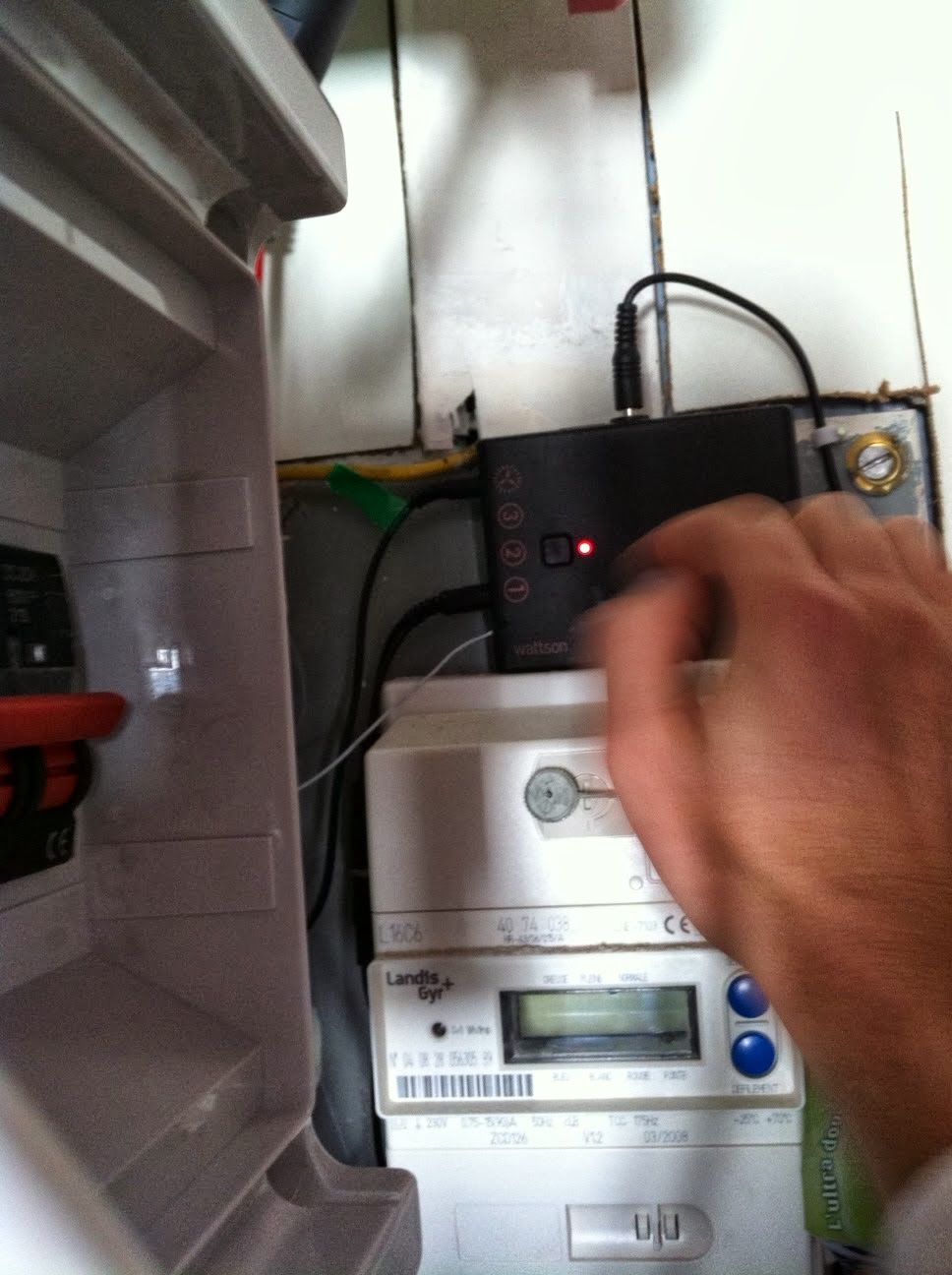
The 2 simple actions to pair a new - or used actually - Wattson unit: Depress the Transmitter button for few seconds until the red LED is solid, ...


... then you have 60s to go to the Wattson unit(s) and depress its pushbutton too, or insert a pin in the middle top hole and depress, until it says "PAIRING SUCCESSFULL"


Now that they are paired with the Transmitter, they display Usage or Used Power

This one in the back, the dirty one, had a really flat battery pack, it would not display anything until it was charged - strange ?? -


DIY Kyoto Ltd


There it is, displaying  the Usage

After plugging them in my Mac, and launching Holmes2, I enabled their Generated Power logging, so now they can display GENERATED POWER and NET POWER too;

Back view with the COLORS and NUMBERS mode: These are old units because they glow orange when the Net Usage is Negative, meaning Generation > Usage 


After, I brought down the Silver one and arranged them like this for few days: 
LEFT : Usage
RIGHT : Generation (= Solar + ESS)
TOP : Net Usage (Usage - Generation) 


Thursday, September 5, 2013

New Wattson Special Edition - Set up with New Holmes2 Software

Last night I finally connected this New Special Edition Wattson to the New Holmes2 software from Energeno; Last time I posted something about Wattson, Mark Elliott reminded me of this recent update, and since I do not use it anymore, I downloaded it from their website

It has been completely revamped and looks a lot like the Wattson Anywhere Portal I beta tested since last year

I used my netbook for that, the Mac being used by someone else at home


First things first: Connect the Wattson unit to the PC with a USB cable


Here is the front page of the new Holmes2


At the bottom left, the 3 interesting values, updated in real time - I like that - : Usage, Generation, Net Usage  - measured, measured, calculated -


When going to the Account tab, the Wattson unit is listed


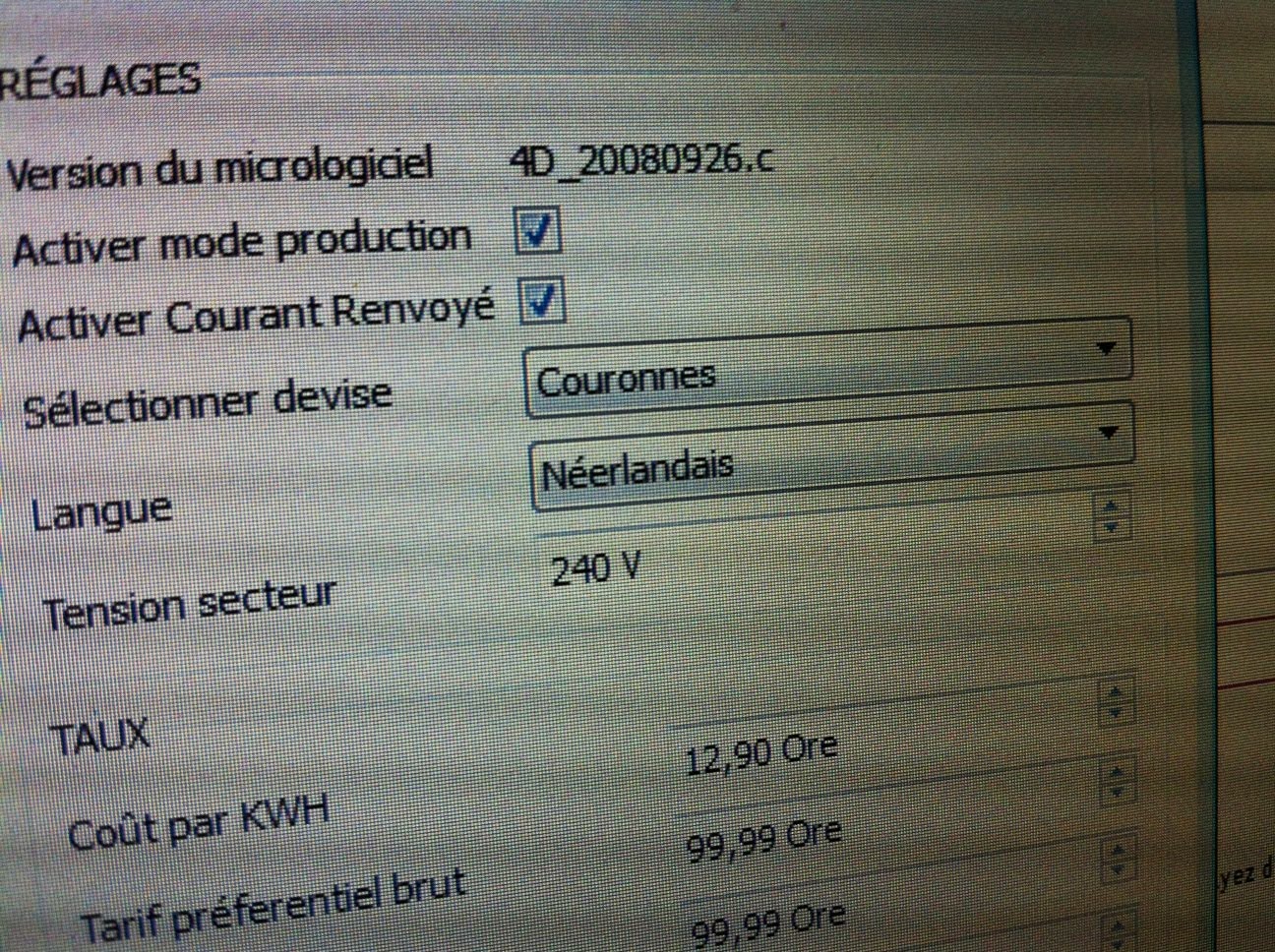
and clicking Wattson Settings, I get a popup to change all this - see below - and what I want to tchange here is the ability to log Generated Power - from my solar system and ESS that is - which is always unchecked by default


Done: it is checked for Generation / Production


Now the new things ... : A lot more languages and currencies are now available, and it looks like Wattson is going to be more international than before :-)
I can choose USD, Yen,  Pesos, etc

Also the Mains Voltage can be changed here (!) , and for me it is by default 240V (UK original setting)
I tried to set the US Voltage of 110V 

and then Dollars

Finally applied the settings and the GENERATED POWER mode shows up when I tilt Wattson


Tilting again, NET USAGE shows up, all I wanted here


First time I see USD currency on a Wattson :-), cool 


Orange LED lighting for Generation : This is an old version ...


I then unplugged it from the USB cable


and it dumped (oops)


Let's restart, BTW this is the new icon 


and the loading page I missed the first time, whith updated company name Energeno - instead of DiyKyoto -


Welcome message


My ESS is working well ... NET USAGE = - 2W


Another look at the 3 figures at the bottom left


Now trying Yen currency


Russian Roupy


Pesos


Danish Krone 


Then back to EUR, where I will leave it even if I do not use the Currency Display Mode


Cooking is in progress, and the ESS is doing its job


For now I leave it here on top of the ESS, with the others

Please Share this Post if you Liked it !

Please Share this Post if you Liked it ! Thanks !
Related Posts Plugin for WordPress, Blogger...