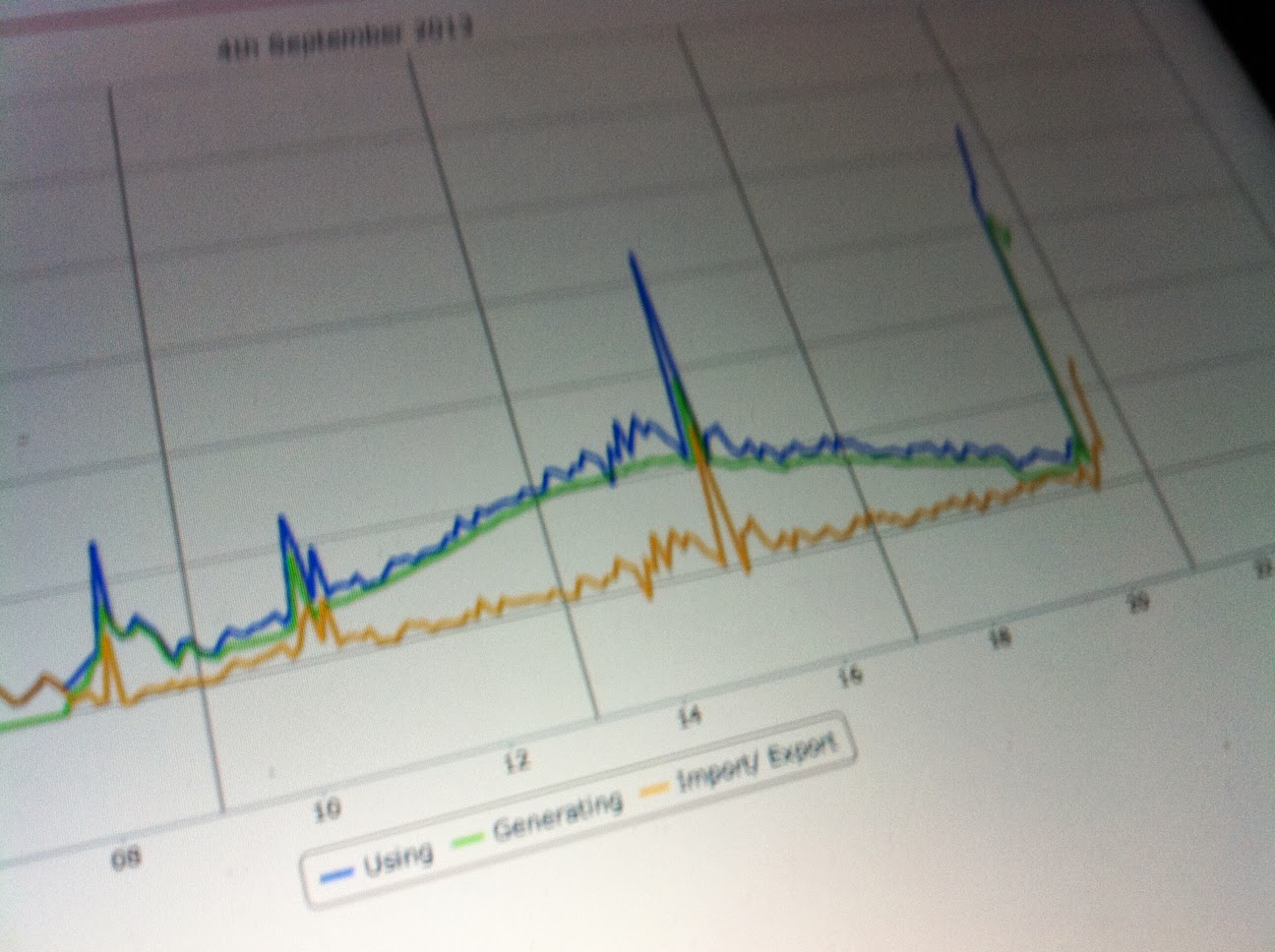
Last night, at 03:30AM, I finally made a Wattson unit work on a simulated US Split Phase Electricset up
This Wattson unit displays the our home usage, divided by 2 more or ess - see real usage below at 715W - : It have managed to change the Voltage Setting - to 110V - so that it thinks it is reading power usage in the US

Here I tried 115V

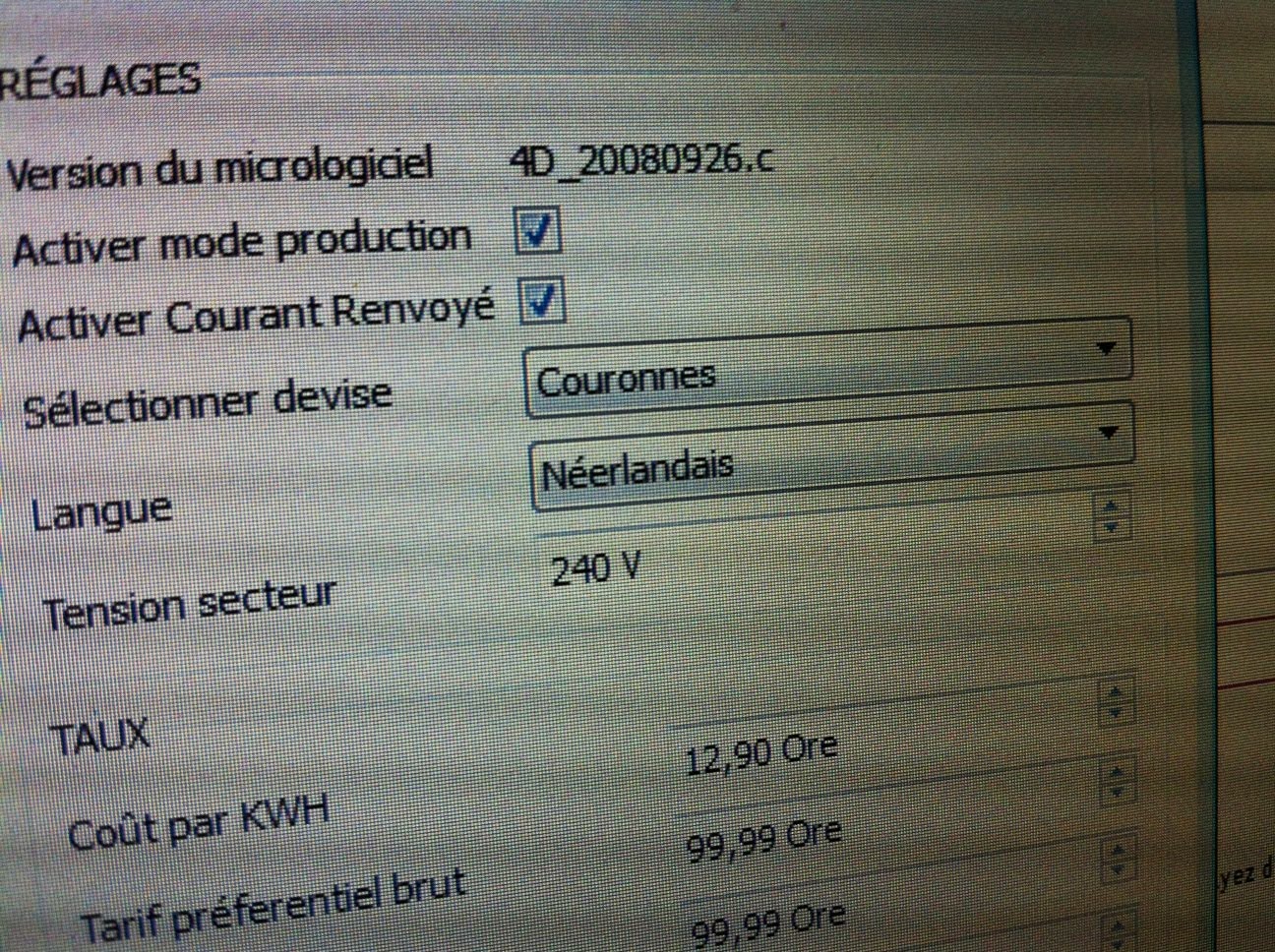
This is how you can change it, using the New Holmes2 Software from Energeno

Real Usage, displayed on another Wattson, with unchanged Voltage Setting


It looks easy, but it was not ...
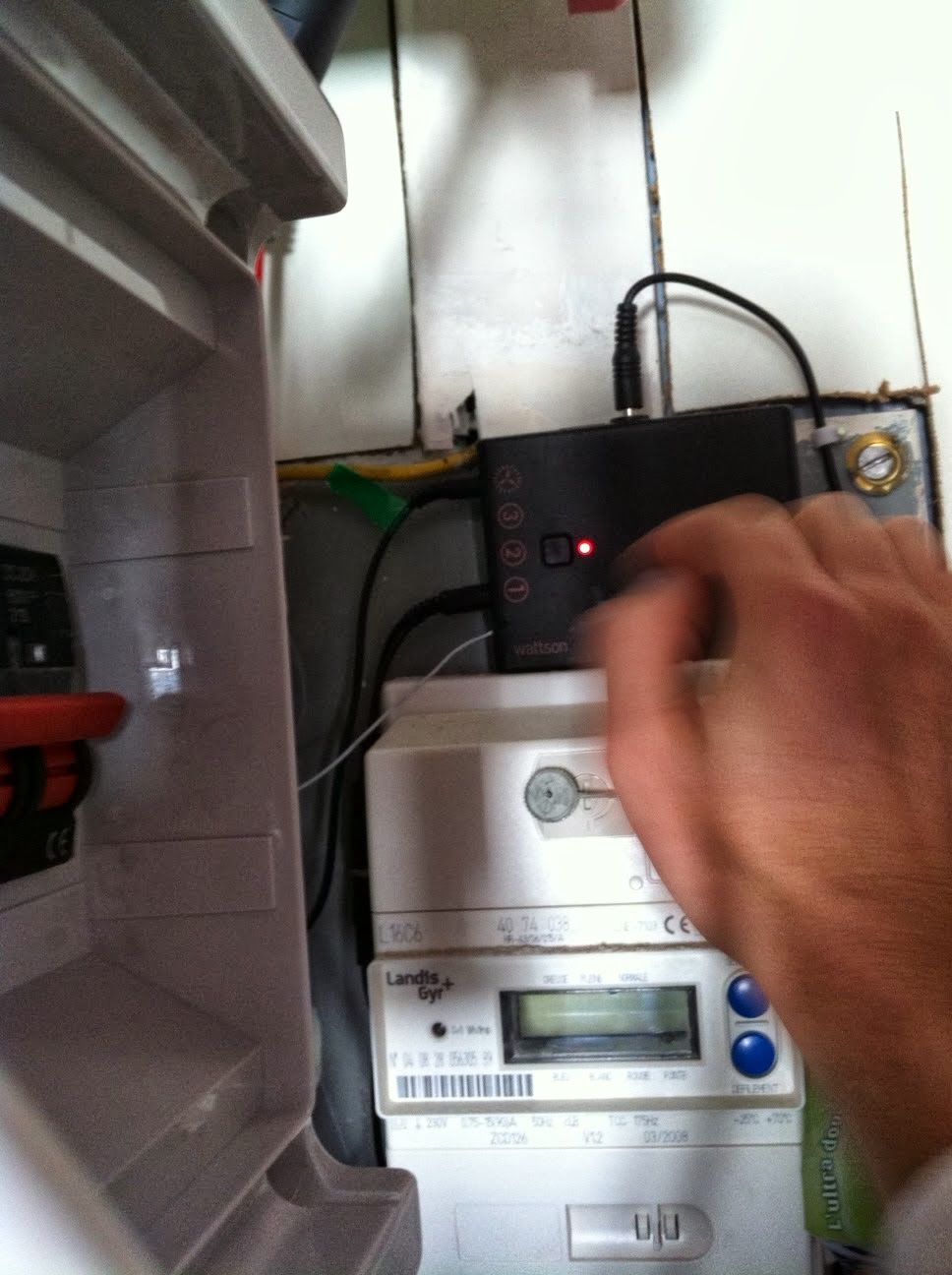
I started after diner and, after making my own Y cable, I then picked one Wattson unit to try and change its Voltage Setting: I bought few units from the UK in the last months, some old, some more recent, and every time I had to use Holmes and Holmes2 when I learned it came out - Thanks to Mark Elliott at Energeno via Twitter - checking this 'Enable Generated Logging', or 'Activate Generation Mode', depending on the software version
On the new version of Holmes2 I noticed that many more Settings were now available, like language - new ones -, currencies - new ones too, including USD -, and Voltage : This last one is by Default set to 230V - from the UK mains standard voltage I guess - and this is what the Wattson display unit uses to determine the Usage in Watts : It take the Amps it receives from the Transmitter and multiplies them by this set - fixed - Voltage to give Usage in Watts - not perfectly accurate, because Voltage goes up and down too depending on the loads, by good enough -
But, I played with this voltage and realized the new set value would never be saved ....
And since my whole experience here, is a bit - a lot - based on this, I will have to make the Wattson hold it this time ...
So I thought, maybe it is a Wattson firmware version issue: this new settings are made possible to new units coming to the market, and this would make sense !
I took an old unit, plugged it into my Mac and launched to Wattson Loader program, which I discovered needed a firmware file ... I looked for it online, and after forums, finally found it as an attachement onto DIY Kyoto/Energeno Knwoledge base - great BTW -

I was happy to find it, and saw also that 2 of my older Wattson units would never be able to be flashed, because they do not have this Clock function, meaning they are from an older generation

So I used a more recent Wattson, that glows Green when Net Usage is negative - not Orange -, for the first time, I flashed a Wattson unit with a new Firmware


And I finally found, in Energenno/DIY Kyoto Knwoledge base - again -, a procedure to Erase a Wattson unit's Memory - which holds 28 days of logs - via this Wattson Settings console; This did it for me: it erased the memory, and then when I used the Holmes2 again, no more freezing !! -Tha's what I thought, the software got stuck trying to retrieve logs from the memory and the change of firmware in between probably messed it up ...
I then could change this Voltage Setting, save it and the Wattson unit would reboot - very quickly - and display the Watts based on this new Voltage value ! Wow, it works :-)
So it should be fine now for Split Phase Electricity Consumer Units in USA and Canada !

and I updated my notes on this


This Wattson unit displays the our home usage, divided by 2 more or ess - see real usage below at 715W - : It have managed to change the Voltage Setting - to 110V - so that it thinks it is reading power usage in the US
Here I tried 115V
This is how you can change it, using the New Holmes2 Software from Energeno
Real Usage, displayed on another Wattson, with unchanged Voltage Setting
It looks easy, but it was not ...
I started after diner and, after making my own Y cable, I then picked one Wattson unit to try and change its Voltage Setting: I bought few units from the UK in the last months, some old, some more recent, and every time I had to use Holmes and Holmes2 when I learned it came out - Thanks to Mark Elliott at Energeno via Twitter - checking this 'Enable Generated Logging', or 'Activate Generation Mode', depending on the software version
On the new version of Holmes2 I noticed that many more Settings were now available, like language - new ones -, currencies - new ones too, including USD -, and Voltage : This last one is by Default set to 230V - from the UK mains standard voltage I guess - and this is what the Wattson display unit uses to determine the Usage in Watts : It take the Amps it receives from the Transmitter and multiplies them by this set - fixed - Voltage to give Usage in Watts - not perfectly accurate, because Voltage goes up and down too depending on the loads, by good enough -
But, I played with this voltage and realized the new set value would never be saved ....
And since my whole experience here, is a bit - a lot - based on this, I will have to make the Wattson hold it this time ...
So I thought, maybe it is a Wattson firmware version issue: this new settings are made possible to new units coming to the market, and this would make sense !
I took an old unit, plugged it into my Mac and launched to Wattson Loader program, which I discovered needed a firmware file ... I looked for it online, and after forums, finally found it as an attachement onto DIY Kyoto/Energeno Knwoledge base - great BTW -
I was happy to find it, and saw also that 2 of my older Wattson units would never be able to be flashed, because they do not have this Clock function, meaning they are from an older generation
So I used a more recent Wattson, that glows Green when Net Usage is negative - not Orange -, for the first time, I flashed a Wattson unit with a new Firmware
After that, weird messages and moving dashes were displayed, until I reset the unit using a pin in the top center hole, and started saying 'Hello Wattson'
This new firmware changes many things, especially when using the top central pushbutton, the display modes, there is New Settings Menu right on the Wattson unit, without plugging into a computer, etc ...
Now I used the Holmes2 to try and change this Voltage Setting, and the software was freezing after few seconds of use; I tried numerous times, quitting, killing it, restarting the Mac, which drove me crazy
After a while, I started to use another software called Wattson Settings, which allows to change Settings but not this Voltage .... Jeeesss
But it has a console tap whch is very cool because you can see the Serial Commands sent to Wattson, and received from it: Here I tried to find the Voltage Setting Commands ... => Good Luck :-)
And I finally found, in Energenno/DIY Kyoto Knwoledge base - again -, a procedure to Erase a Wattson unit's Memory - which holds 28 days of logs - via this Wattson Settings console; This did it for me: it erased the memory, and then when I used the Holmes2 again, no more freezing !! -Tha's what I thought, the software got stuck trying to retrieve logs from the memory and the change of firmware in between probably messed it up ...
I then could change this Voltage Setting, save it and the Wattson unit would reboot - very quickly - and display the Watts based on this new Voltage value ! Wow, it works :-)
and I updated my notes on this




.jpeg)
.jpeg)
.jpeg)